Azure Local Finally Gets Graceful VM Shutdown
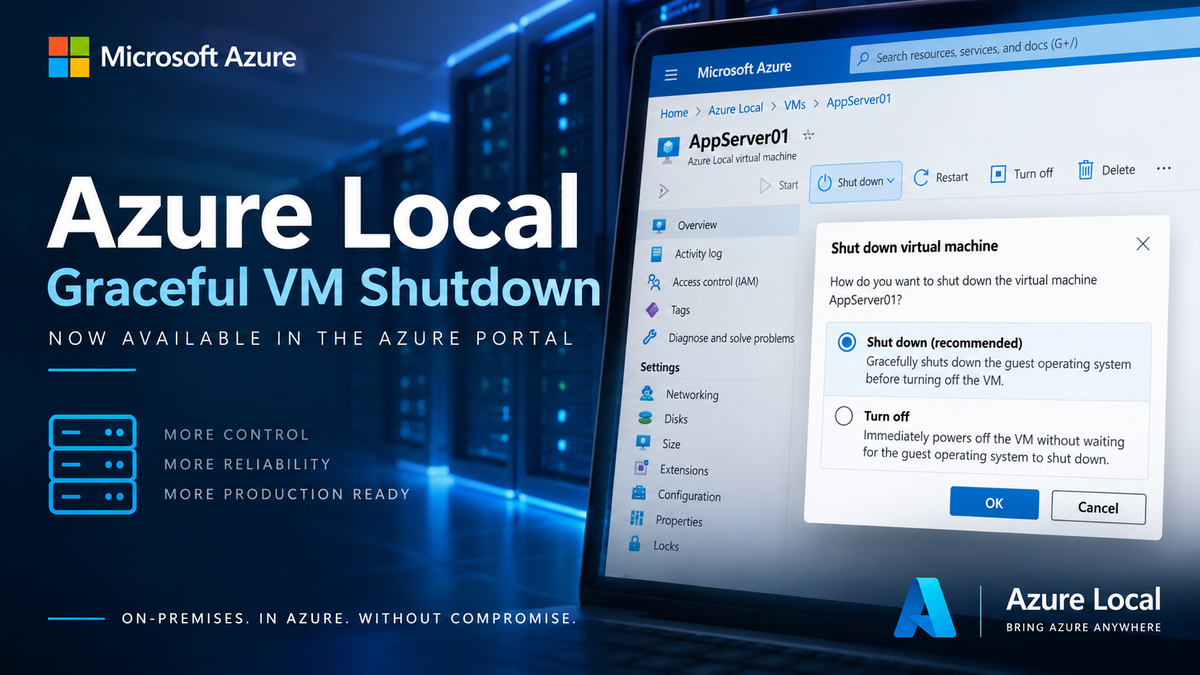
There are some features that look small in a release note but make a surprisingly big difference when you operate a platform in production.
Graceful VM shutdown for Azure Local is one of them.
This is a capability I have been waiting for for quite some time. Traditional virtualization platforms such as VMware have made the distinction between shutting down a guest operating system and simply powering off a VM very clear for years. With Azure Local, that distinction has now made its way into the Azure portal as well.
Microsoft introduced the underlying graceful stop and restart capability with the Azure Local 2604 reelase. The Azure portal exposes the new shutdown experience directly for Azure Local VMs.
The old behavior
Until now, one thing has always bothered me when managing Azure Local VMs through Azure. Stopping an Azure Local VM from the Azure portal wasn’t the same thing as asking Windows or Linux inside the VM to shut down normally. The VM could effectively be powered off at the virtualization layer.
Think of it as pressing and holding the power button on a physical server or, in the worst analogy, pulling the power cable. The VM stops, but the operating system doesn’t necessarily get the normal opportunity to shut itself down first. That distinction matters.
During a normal shutdown, the guest OS can stop applications and services, flush pending writes, close files and complete the operating system’s normal shutdown sequence. An immediate power-off doesn’t provide that same orderly process.
Interestingly, the underlying Hyper-V management tooling has long distinguished between Shut down and Turn off. Microsoft documents both operations in Windows Admin Center for Azure Local. The missing piece was having that same distinction available when managing Azure Local VMs through Azure.
This was especially noticeable as Microsoft continued moving Azure Local toward Azure-based lifecycle management. Having a modern VM management experience in Azure while a basic operation such as shutting down a VM behaved like a hard power-off always felt incomplete.
Azure Local 2604 changed the underlying behavior
Azure Local 2604 introduced an important change. Stop and restart operations for Azure Local VMs gained graceful shutdown behavior by default. Microsoft also added support for this through the Azure CLI. Administrators who deliberately need an immediate power-off can bypass the guest shutdown using --skip-shutdown.
That already solved an important part of the problem. The Azure portal experience has now caught up.
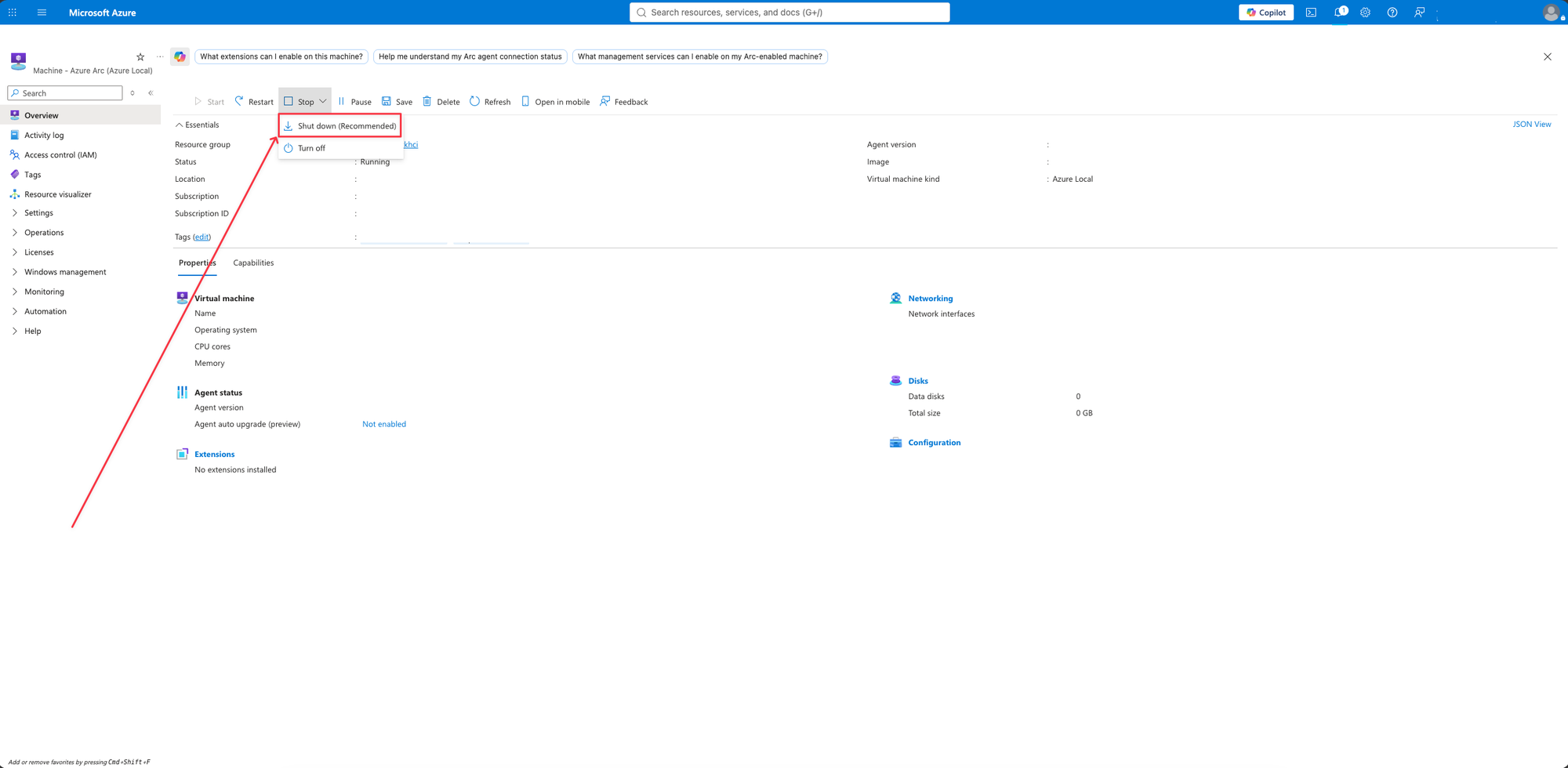
Shut down or Turn off - now you actually get the choice
With the Azure Local 2608 portal experience, stopping an Azure Local VM now presents two distinct operations:
Shut down (recommended) gracefully shuts down the guest operating system before the VM is powered off.
Turn off immediately powers off the VM without waiting for the guest operating system to perform a graceful shutdown.
Microsoft specifically notes that the functionality requires the Azure Local environment to run version 2604 or later.
That means the Azure portal finally represents something virtualization administrators have been familiar with for years:
Turn off is the emergency power button.
And that distinction is important.
A small feature that makes Azure Local much more production-friendly
I really like this change. Not because graceful shutdown itself is particularly exciting technology - it isn’t. Hypervisors have supported this concept for a very long time.
It’s important because of how Azure Local is intended to be operated. Azure Local is increasingly managed as an Azure resource. VMs are created, monitored and operated through Azure, so the VM lifecycle controls exposed there need to behave like the controls we expect from a mature virtualization platform.
An administrator shouldn’t have to connect to the guest, use Windows Admin Center, PowerShell or another management path just to make sure a server is shut down cleanly.
For day-to-day operations, maintenance windows and automation, Shut down can now be the normal choice. Turn off remains available when an immediate power-off is actually required.
This may be a small entry in the Azure Local release notes, but for me, it is a long-awaited improvement.
It removes one of those operational limitations that made Azure-based VM management feel less mature than traditional hypervisor management.
And as Azure Local continues to compete for serious production virtualization workloads, these are exactly the kinds of improvements I want to see.