If you're managing macOS devices with Global Secure Access, this week brought some excellent news. Microsoft just released version 1.1.25111702 of the GSA client for macOS, and it includes two features that Windows users have been enjoying for months:
- Intelligent Local Access
- Private DNS support
Let me walk you through what these features mean for your macOS deployments and why they make GSA significantly more useful in real-world scenarios.
Intelligent Local Access - Bridging the Gap Between Cloud and On-Premises
Intelligent Local Access, or ILA as I'll call it going forward, solves a problem that's been bugging administrators since the early days of zero trust implementations. How do you maintain strict security policies for remote access while still allowing seamless connectivity to local network resources when users are actually in the office?
ILA does exactly what the name suggests - it's intelligent about determining when to route traffic through Global Secure Access tunnels and when to allow direct local network access. When a user connects to their corporate network physically or via traditional VPN, ILA automatically detects this and allows direct access to local resources without forcing everything through the cloud.
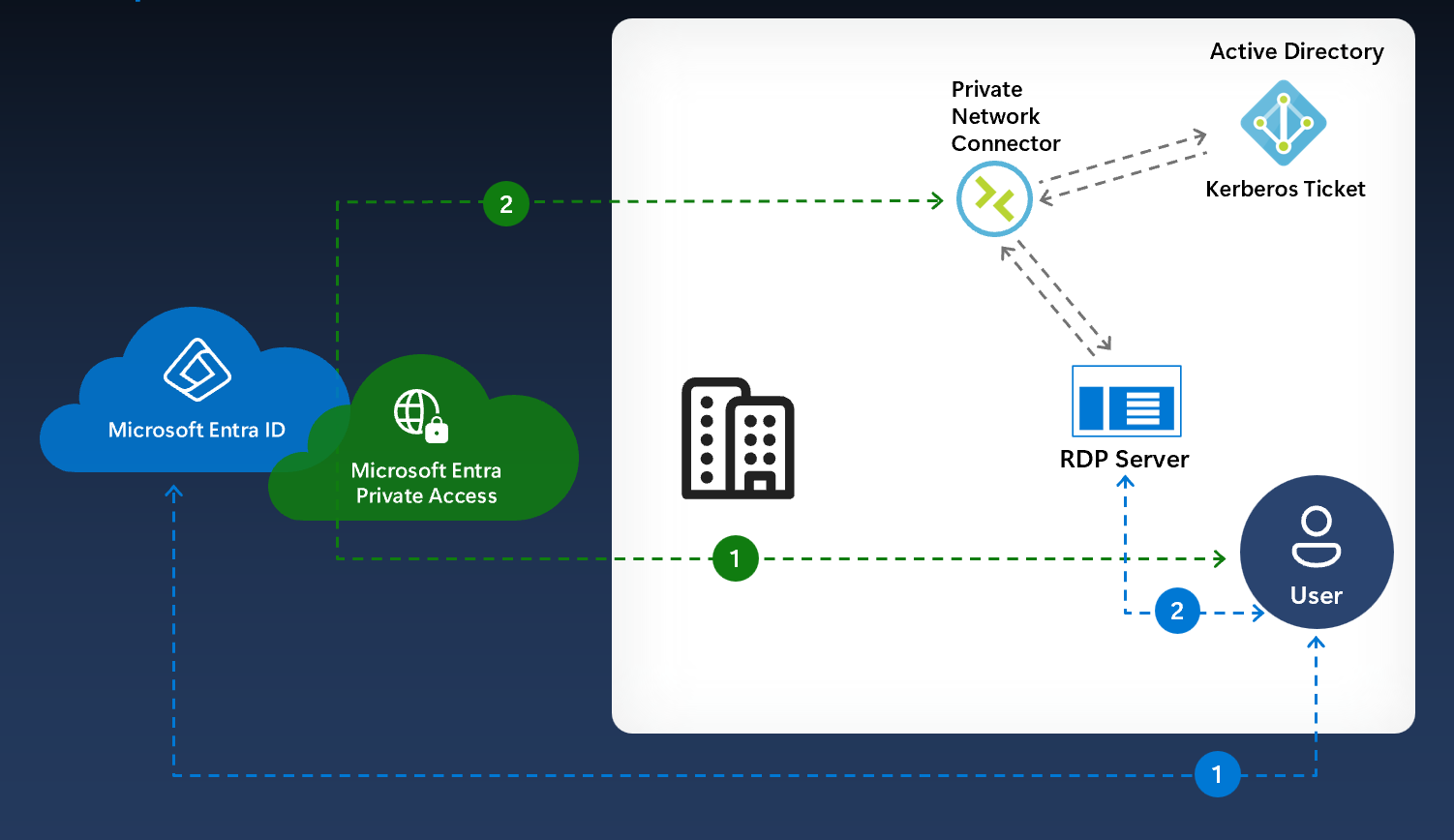
This is huge for hybrid work environments where users move between home offices and corporate locations throughout the week. Before ILA, you'd often see scenarios where someone sitting in the office would have their traffic to local file servers or printers routing through Global Secure Access unnecessarily, creating latency and confusion.
The feature uses network detection to understand when you're on a trusted network and adjusts routing accordingly. It maintains your zero trust policies when users are remote while getting out of the way when they're local. Smart stuff.
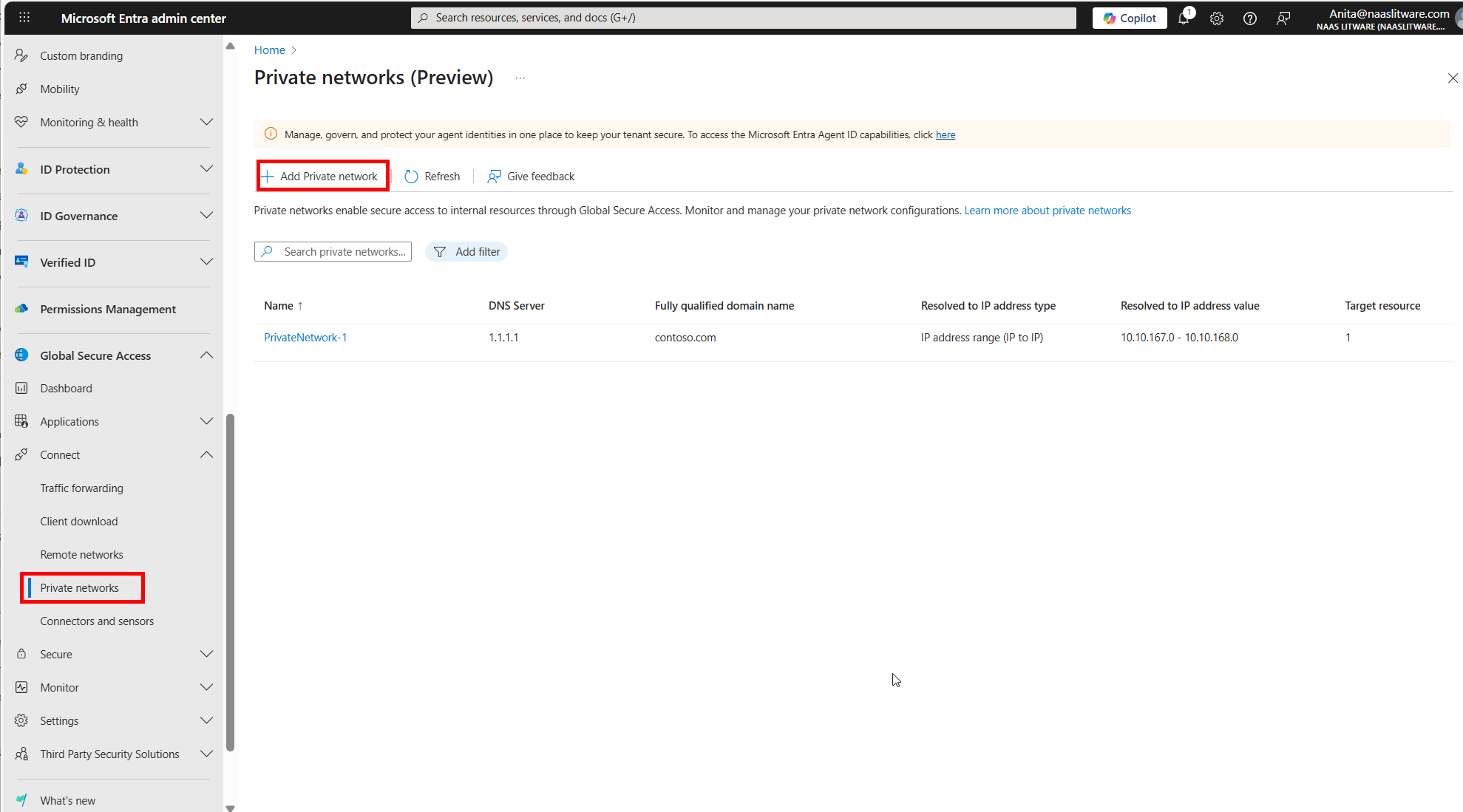
Important note: ILA is still in preview for macOS. It's been available for Windows clients for a couple of months now, and the Windows implementation has been solid from what I've seen in production environments. The macOS version should benefit from the lessons learned during the Windows rollout.
You can read more about configuring ILA in the official Microsoft documentation.
Private DNS - Making Name Resolution Work Properly
The second major feature landing in this macOS update is Private DNS support. If you've dealt with split DNS scenarios or tried to resolve internal hostnames through Global Secure Access, you already know why this matters.
Private DNS allows the GSA client to resolve internal domain names through your private DNS servers, but only when it actually needs to. The key improvement in this release is that the client now contacts your Private DNS servers only when the Private Access channel is active.
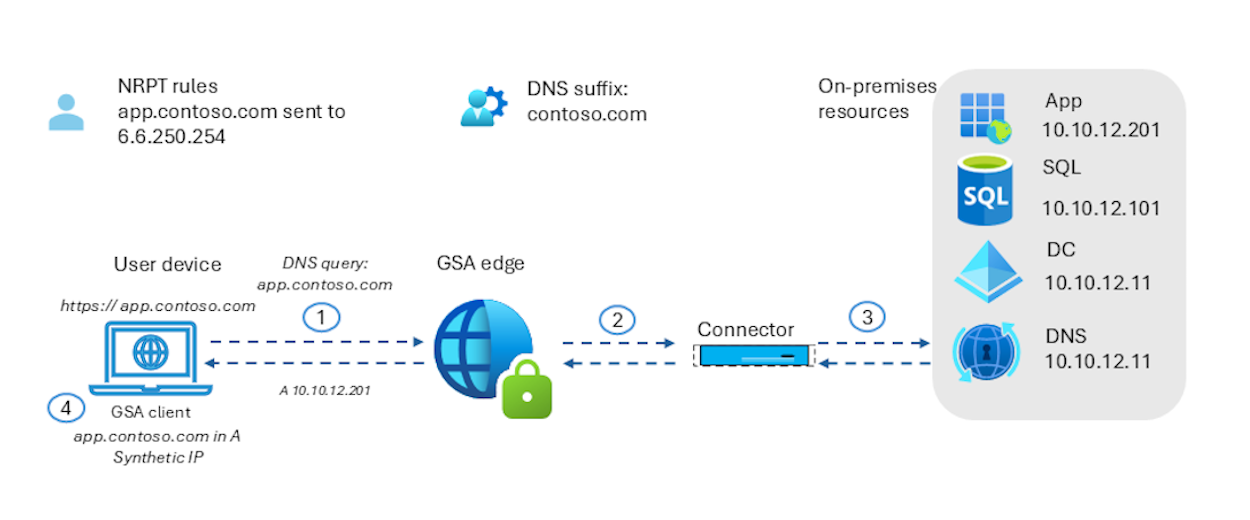
This might sound like a small detail, but it makes a real difference in practice. Previously you might have unnecessary DNS queries happening even when Private Access wasn't being used, which could cause delays or resolution failures depending on your network setup. With this update, DNS queries are routed intelligently based on what the client is actually doing.
For organizations running hybrid DNS infrastructures where some resources are internal and others are public, this feature ensures that internal names resolve correctly without breaking public DNS lookups. It's particularly useful when you have internal applications, file shares, or services that aren't published to public DNS.
Like ILA, Private DNS has been available on Windows for some time, and it's great to see feature parity coming to macOS. The Windows implementation has proven reliable, so I'm optimistic about the macOS version.
Check out Microsoft's documentation on Private Name Resolution for technical details on how it works.
Why This Matters for macOS Deployments
Global Secure Access on macOS has always been functional, but these two features bring it much closer to the Windows client experience. For organizations managing mixed device estates, having consistent capabilities across platforms makes deployment and support significantly easier.
The combination of ILA and Private DNS addresses two of the most common pain points I've heard from administrators deploying GSA to Mac users. Network performance when users are in the office and proper name resolution for internal resources are table stakes for any remote access solution, and now the macOS client delivers both.
Performance Improvements Too
Beyond the headline features, this release also includes memory management improvements and various bug fixes. Microsoft doesn't provide detailed release notes on what specific issues were addressed, but better memory management is always welcome on macOS where users tend to keep applications running for extended periods.
Final Thoughts
This update represents Microsoft's continued investment in making Global Secure Access a true cross-platform solution. The macOS client has come a long way from its initial release, and bringing these features to parity with Windows shows commitment to supporting diverse device environments.
If you've been holding off on deploying GSA to your Mac users because of limitations around local access or DNS resolution, this release is worth evaluating. The combination of ILA and Private DNS makes the macOS experience much more seamless.